
Getting started
How to use this website
Everything you need to order medical uniforms from us, from finding your first product to tracking the delivery. Your account already works: this page just shows you the way around.
Step 1
Find your uniforms
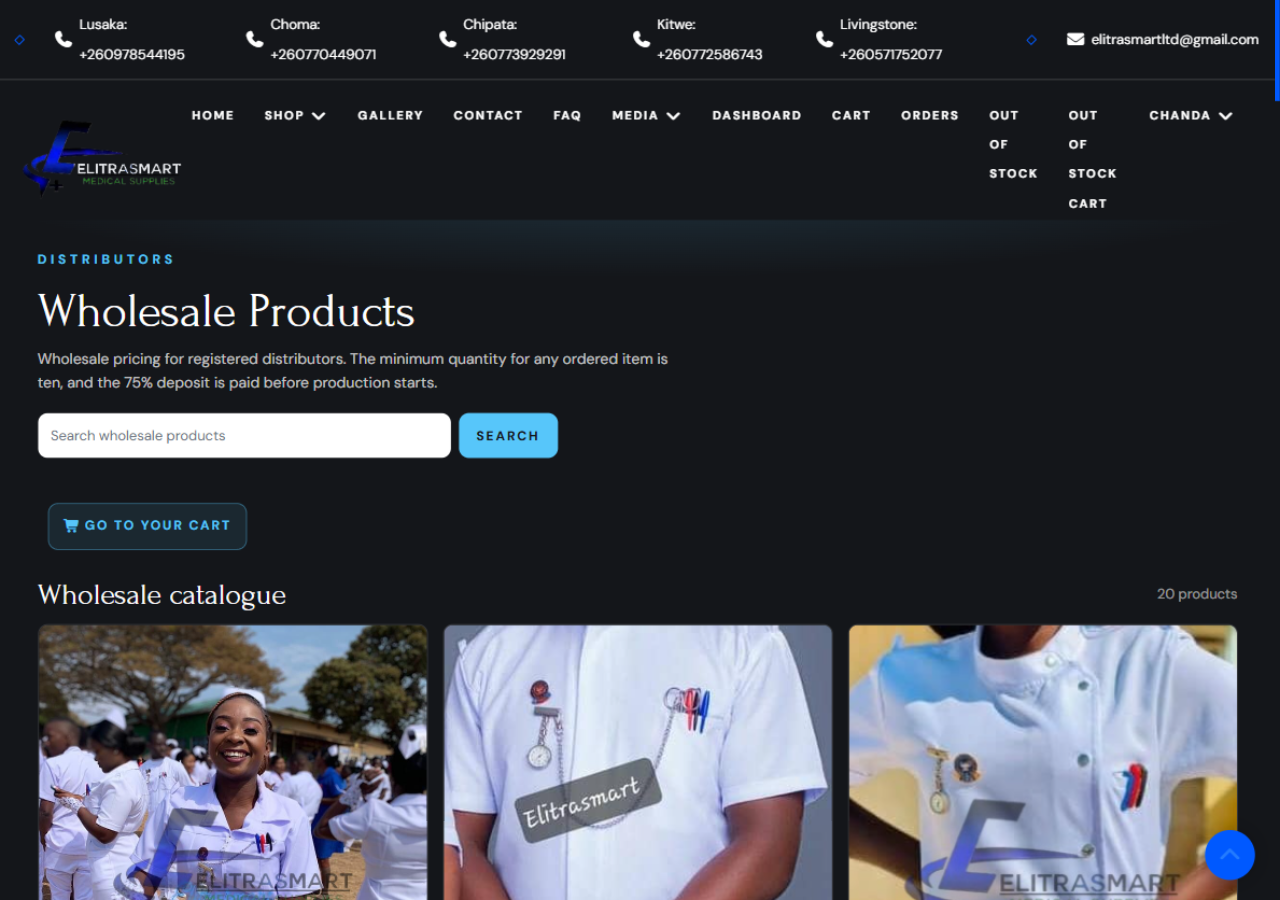
The Shop menu holds two catalogues: Wholesale (Distributors) for registered institutions ordering at distributor prices, and Retail (In-Store) for single pieces. Search by name or category, and open any product to see its sizes, prices and what is in stock right now.
Uniforms in sizes 42 and above carry a small surcharge, shown on the product page before you add anything to the cart.
Step 2
Build your cart
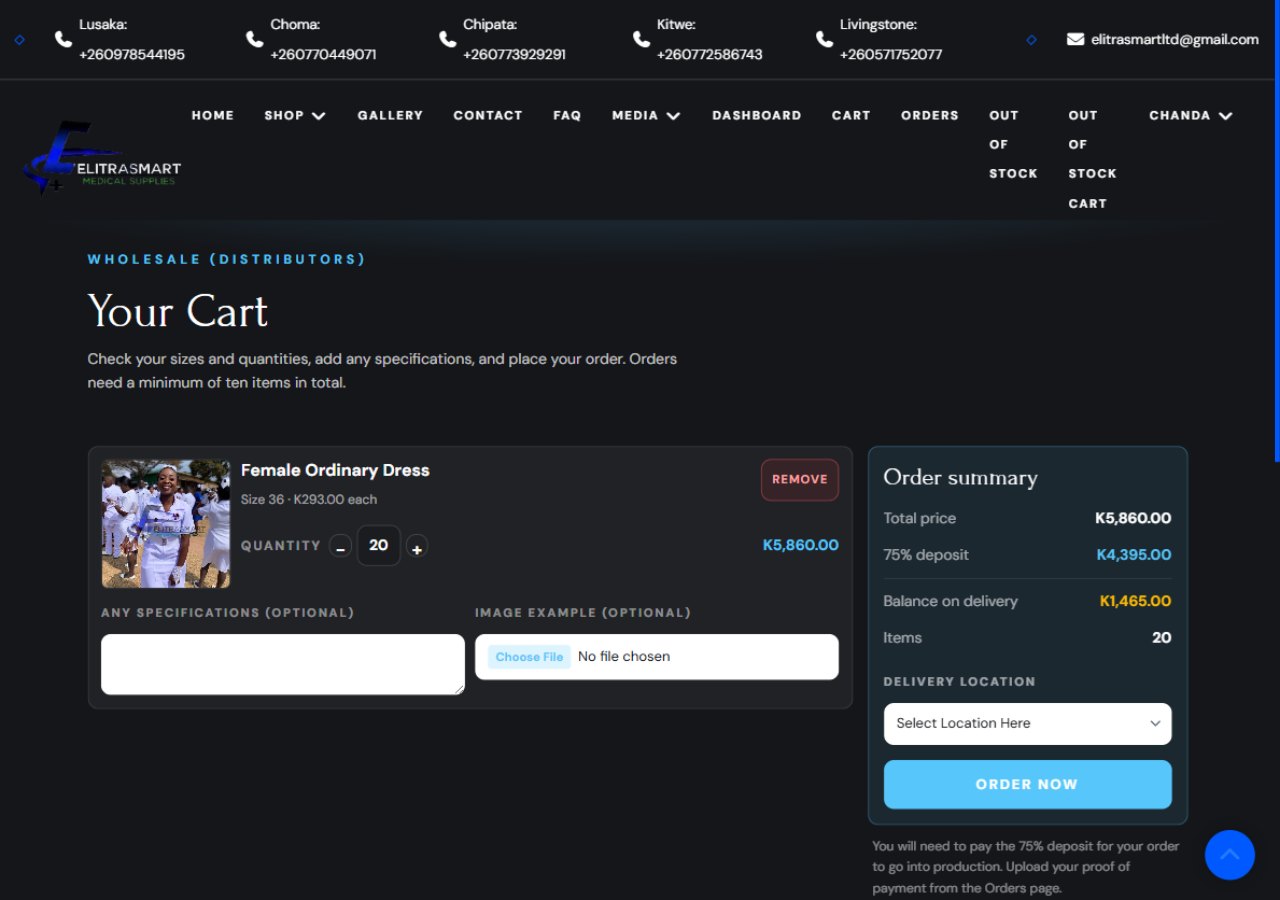
Choose a size and a quantity on any product and add it to your cart. Wholesale orders need a minimum of ten items in total; the cart adds everything up for you as you go. You can add a note for us on each line, such as a colour or an embroidery request, and attach a photo of what you have in mind.
Step 3
Place the order and pay the deposit
When you are ready, choose your delivery branch and place the order. We work on a 75% deposit: you pay three quarters to start production, and the balance when your uniforms are ready. You will get a receipt by email with everything you ordered.
Something you want has been out of stock for a while? You can still order it from the out-of-stock list at the normal price, and we produce it as soon as the stock is sourced.
Step 4
Upload your proof and track delivery
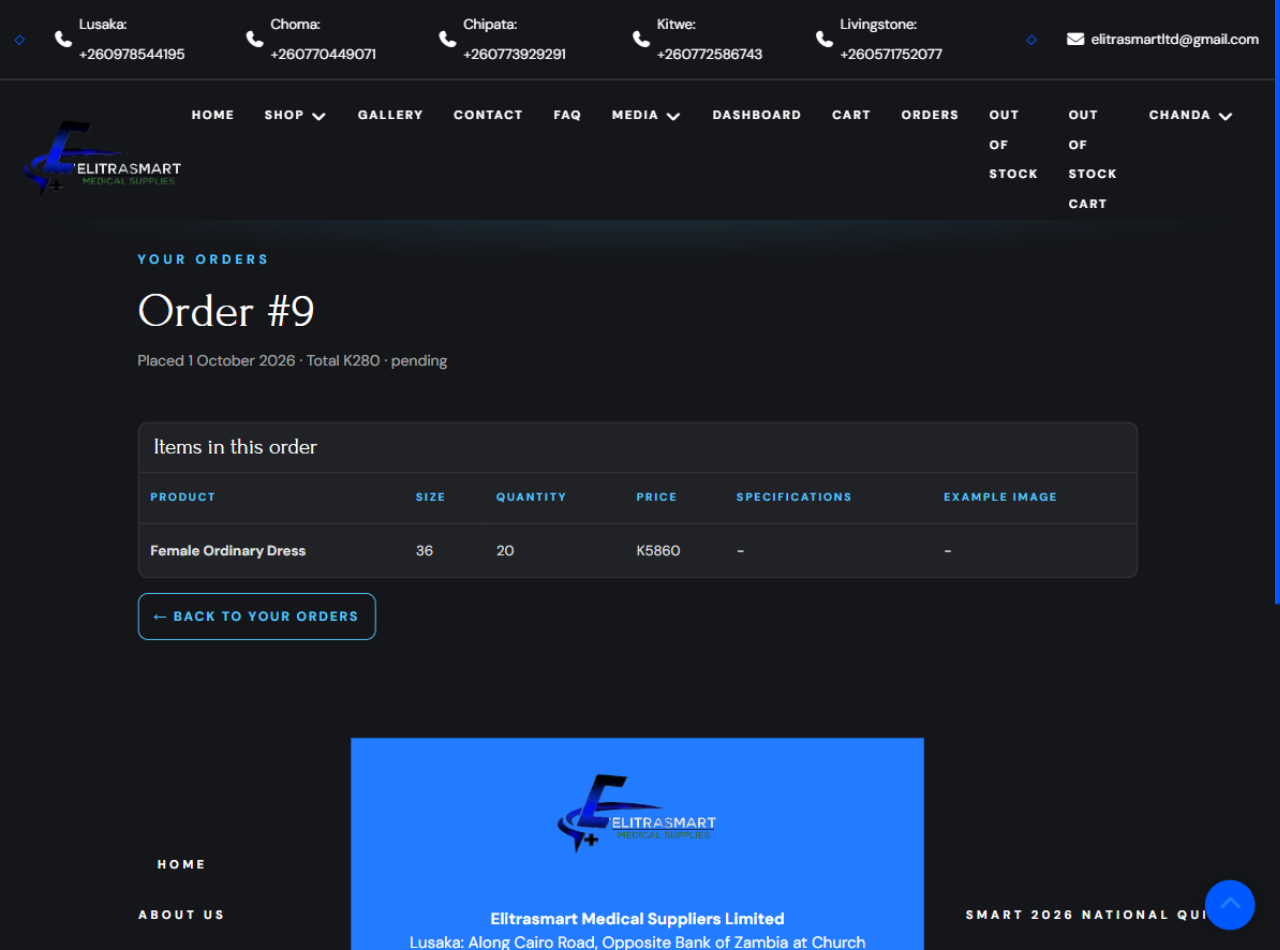
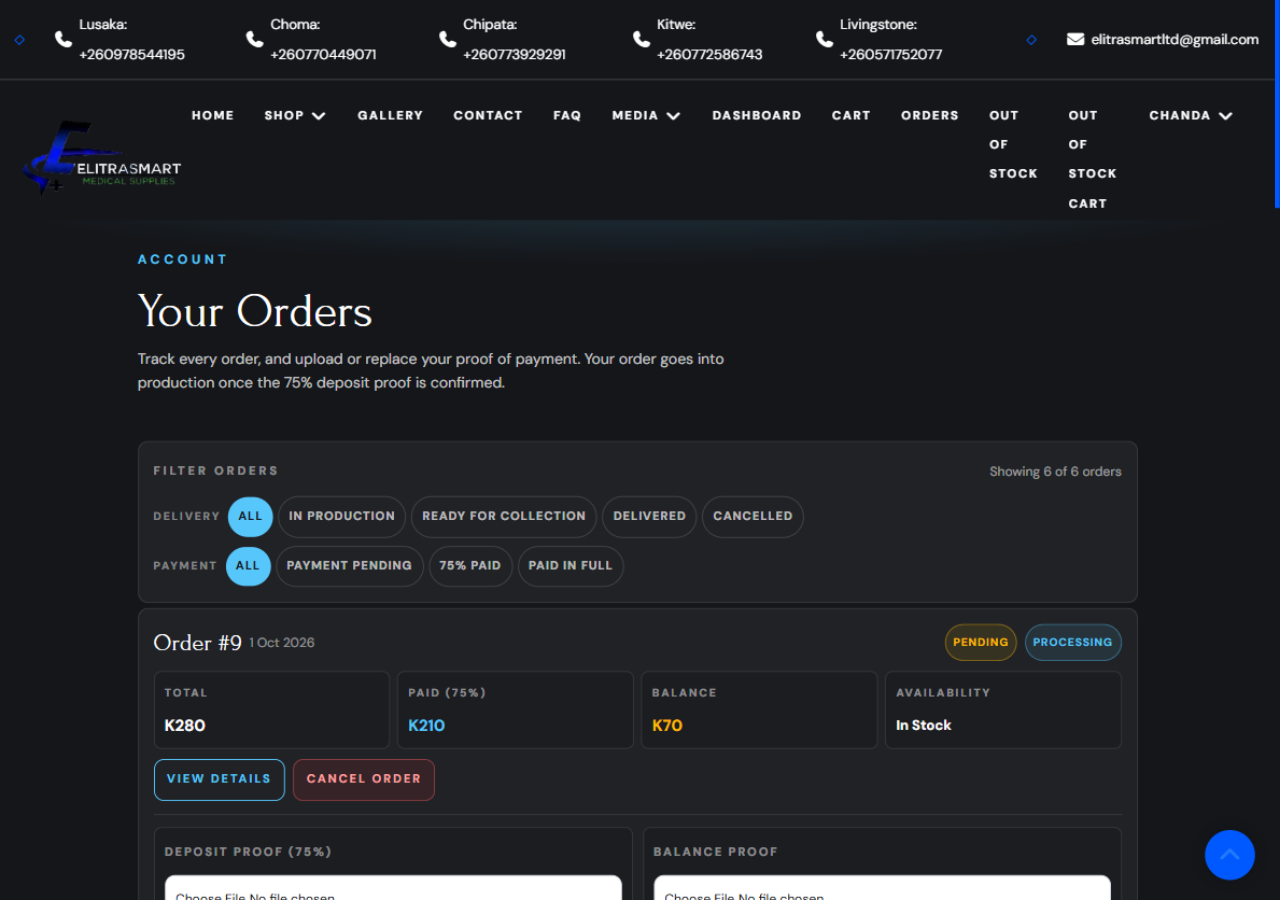
After paying, open the order from My Orders and upload your proof of payment. We confirm it, and the order page updates as your uniforms move through production to delivery. Every stage emails you, so you always know where you stand.
Step 5
Keep your details current
Your Dashboard is the home of your account: recent orders, what you still owe and where your cart stands. Your profile holds your contact details, so keep them up to date and we can always reach you about an order.
Browse the catalogue
Stuck on anything?
Call or WhatsApp your nearest branch, or write to us. Every branch's number is on the contact page and in the site header.
Contact a branch